AI video effect
Car Jump AI Video
Make the viral car jump AI trend from one photo: you stay perfectly calm while a car launches through the air behind you.
Fan-made tool: TrendFX is independent and not affiliated with, endorsed by or connected to TikTok, CapCut, or any car brand. Trend names are used only to describe the style.
One clear photo of you, full body or seated
JPG, PNG or WebP · max 10 MB
Format:
Cost: 10 credits (free in demo)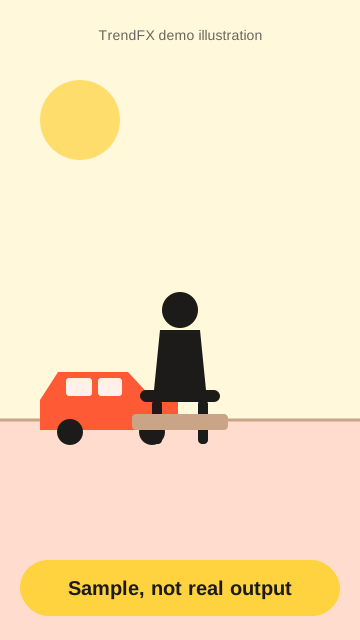
Sample, not real output. Your video will appear here.
- 1 photoin
- ~1–3 mingeneration
- 9:16 · 16:9formats
- 24 hauto-delete uploads
Car jump AI example
Sample, not real output. An original TrendFX illustration, not a real AI output and not a clip from the trend.
How to make a car jump AI video
- Upload one photo. Choose a clear photo of you sitting or standing, with space behind you.
- Pick format and confirm. Pick 9:16 or 16:9 and confirm you own the photo or have permission.
- Generate and download. Press Generate and download the car jump video in a minute or two.
Car jump AI prompt
The person stays completely calm and still, sitting or standing in the foreground, looking at the camera, while behind them a car speeds in and launches into a dramatic jump through the air, landing in the background. Dust and motion, cinematic action shot, steady camera, sharp focus on the person, realistic physics, face and outfit unchanged.- Name a car style, for example "a red vintage sports car", for more control.
- Keep "stays completely calm and still" so the focus stays on you.
- Open backgrounds give the car room to fly.
Why the car jump AI trend works
The car jump AI video is all about contrast: a relaxed, deadpan pose in front, movie-style chaos behind. It takes one photo, reads instantly on a phone screen and works for selfies, outfit posts and friend photos.
Tips for better results
- Stand or sit near the centre with open space behind you.
- Outdoor photos with a road or parking lot look most natural.
- Use a sharp, well-lit photo.
- Only upload photos you own or have permission to use, never of minors.
Pricing
Each video costs 10 credits, the same as our other video effects. Paid credits are not live yet; generation is free in demo mode (sample output only). See pricing.
Frequently asked questions
What is the car jump AI trend?
A viral AI video trend from late September 2026: you sit or stand calmly in the frame while a car speeds in and jumps or flies through the air behind you. The contrast between your calm pose and the action is the joke.
How many photos do I need?
Just one clear photo of you. A seated or standing pose with some open space behind you works best.
Can I copy the car jump AI prompt?
Yes. Copy the prompt on this page; it is the same template our generator uses. Change the car type or setting if you like.
What photo works best for a car jump AI video?
An outdoor photo with a road, parking lot or open background, you near the centre, sharp and well lit. Keep some space behind you for the car.
Is this an official TikTok or CapCut car jump template?
No. TrendFX is a fan-made tool, not affiliated with TikTok or CapCut.
How much does it cost?
10 credits per video, like our other video effects. Payments are not live yet; the demo is free and returns a sample.